* Dr. Internet columnist Steve Blass discusses software that helps design equipment racks * Help Desk columnist Ron Nutter does some detective work to get a remote user the ability to use a Novell print server
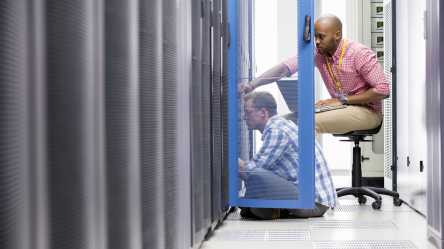
* Software helps design equipment racks
By Steve Blass
Q: I need to move the equipment in our messy server room into equipment racks but first I have to create a design document to show how the equipment will fit and to make sure we purchase the appropriate racks and accessories. Are there any reasonably priced rack-design software packages available for this?
A: A number of equipment-rack vendors provide software for specifying rack designs, and there are a variety of freely available and commercial packages. If your equipment-rack vendor does not have a design tool available you can still create your design documents with one of the other tools and work from there to identify the parts and accessories you need from your chosen vendor. If you have Visio you can use that.
To read Steve’s response in its entirety, please click here.
* Letting a remote user use a Novell print server
By Ron Nutter
Q: Is there any way to map a Novell printer to a Windows Terminal Server? We have a remote user who uses remote desktop to access an application called Extreme Dialogue. She needs to print the output to a Novell printer. For some reason it never printed correctly on a Windows printer, (something to do with the drivers), but we did find that when she printed to Novell printer it did print correctly (when she was on site). Now that she is a remote user she cannot map the Novell printer. Any help will be greatly appreciated.
A: Printing from a Windows Terminal Server should work right out of the box, so we’ll need to try some detective work. To answer your first question, you can map a Novell Printer from a Windows Terminal Server. Assuming you are running a version of NetWare 5.x or later, you’re probably running in Native IP mode. Check the version of the Novell client that you have installed. Check Novell’s support Web site and see if there are any updates or service packs to be installed and get those installed. If there are none to be installed, see if there is a newer Novell client to be installed. Remember to put Terminal Server into Application Install mode when updating updates or new applications. Make sure that you can ping the printer by IP address and the server that is hosting the print queue to check connectivity.
To read Ron’s response in its entirety, please click here.